 StarHop NavigatorDE
How to attach your iPhone to the telescope — stable, repeatable, damage-free.

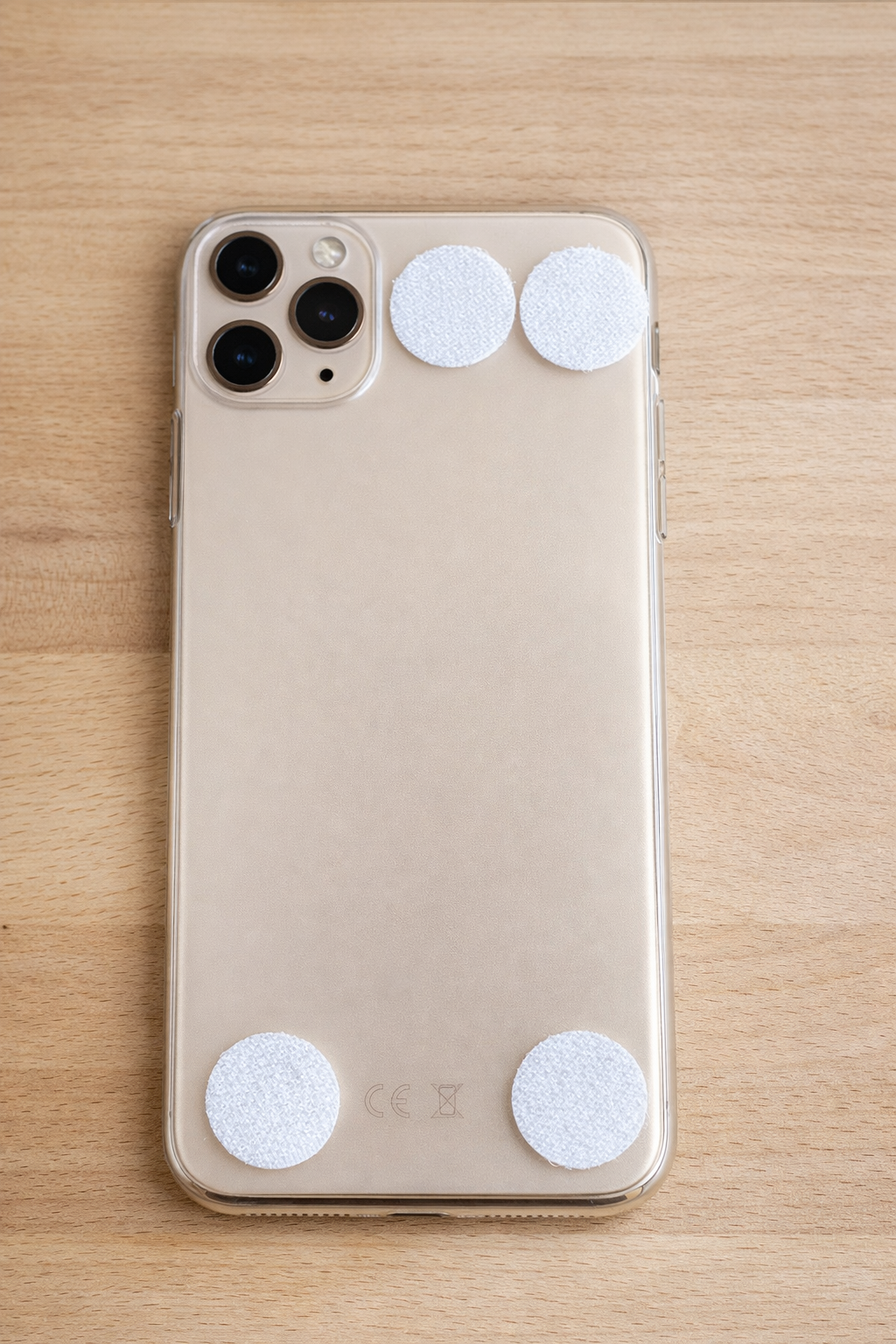
The simplest approach — no tools or 3D printer needed.
Attach hook-and-loop dots to your phone case (never directly to the phone). Use a hook-and-loop strap to hold the phone on the telescope tube — the strap wraps around the tube, no adhesive touches the telescope.
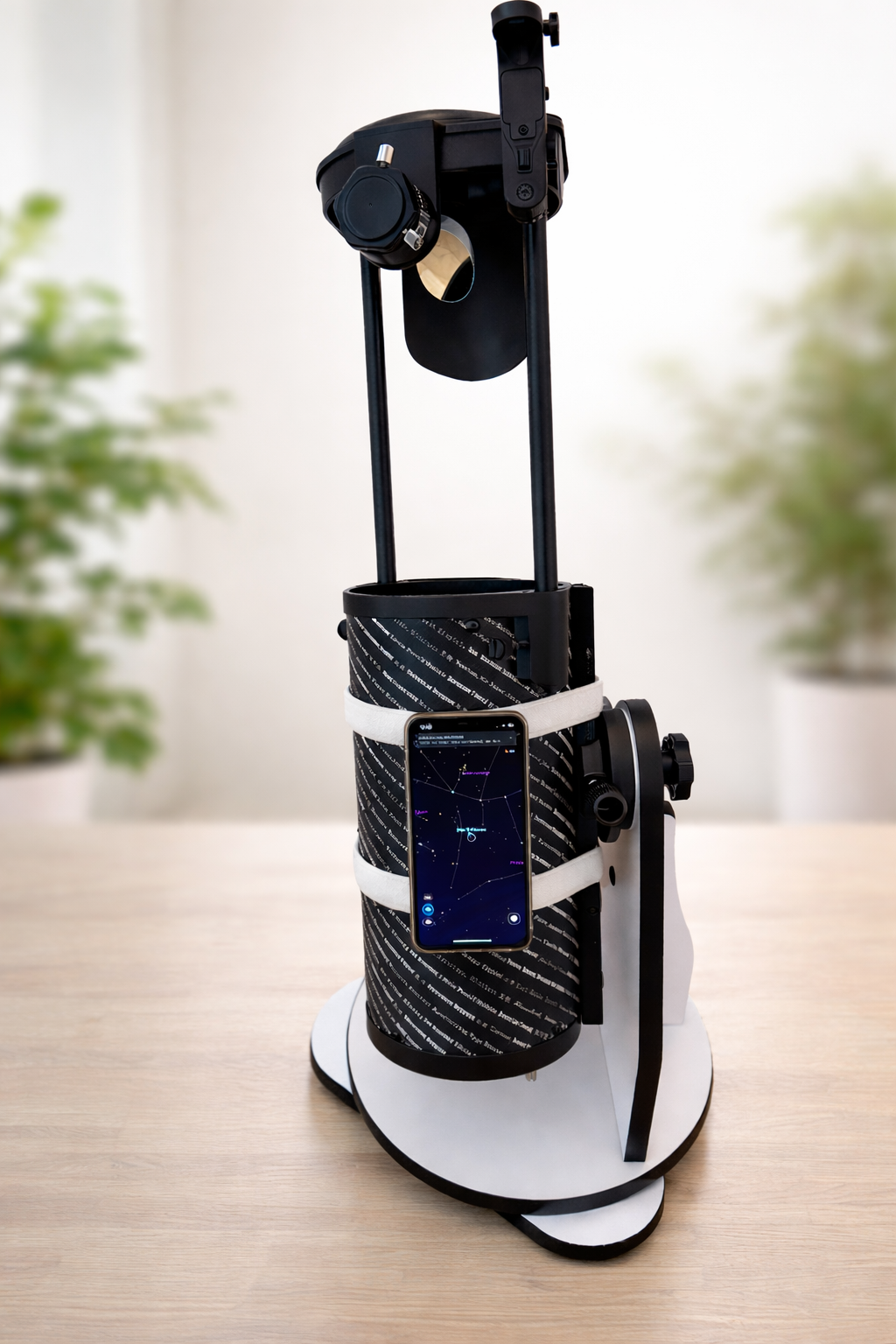
The result: your iPhone sits flat on the tube, held securely by the strap. Quick to attach, quick to remove. Works with any telescope tube diameter.
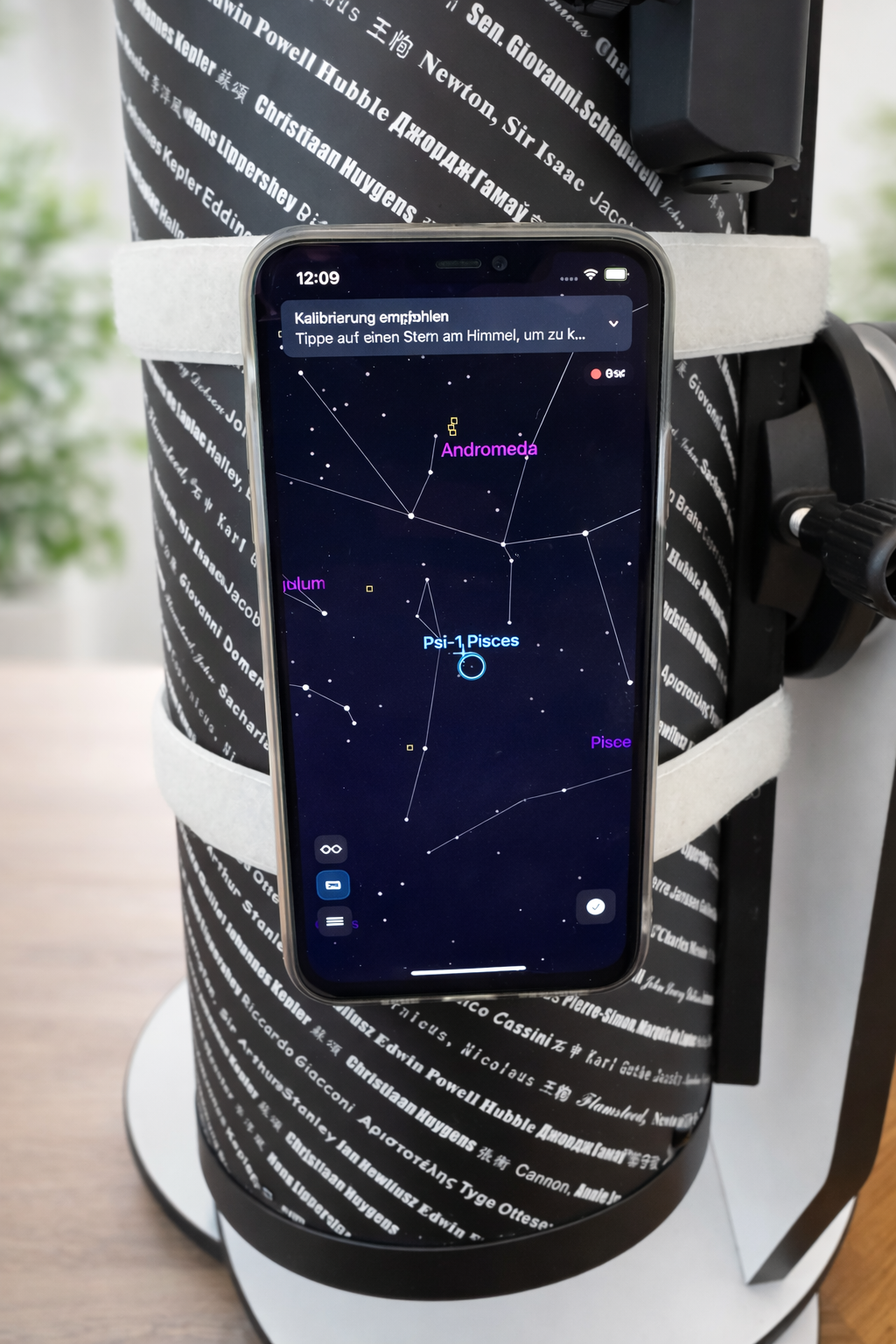
Close-up: the phone lies flat against the tube with the app showing the sky view. The straps hold everything in place — even when you tilt the telescope.
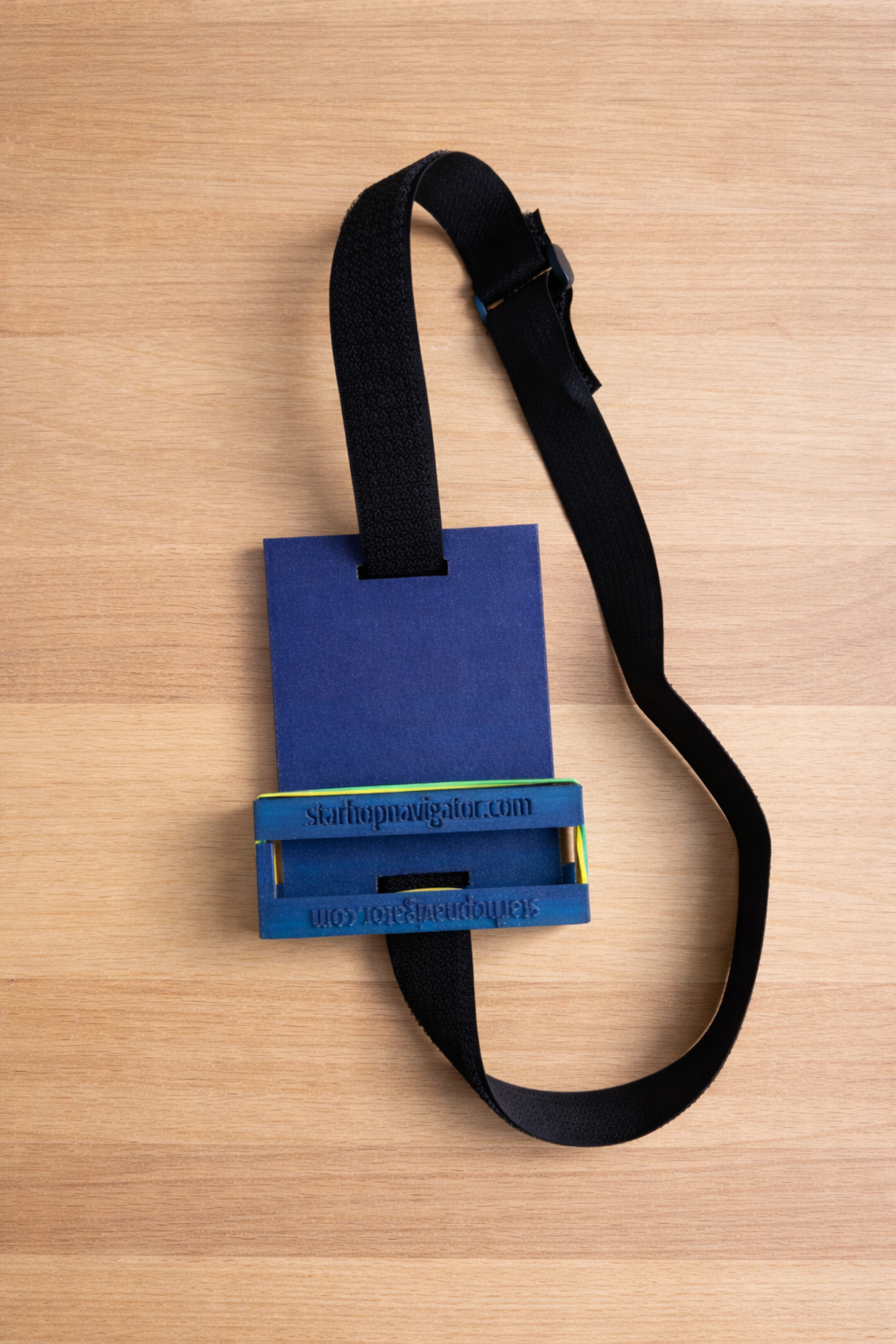
A custom cradle designed for StarHop Navigator. Holds the phone more securely than strips alone — ideal if you observe frequently.
Two parts: a base plate and a clamp bar. The clamp bar slides onto the base plate via a guide rail and elastic bands pull them together to hold the phone firmly. The mount attaches to the telescope tube with a hook-and-loop strap — no adhesive, no drilling.
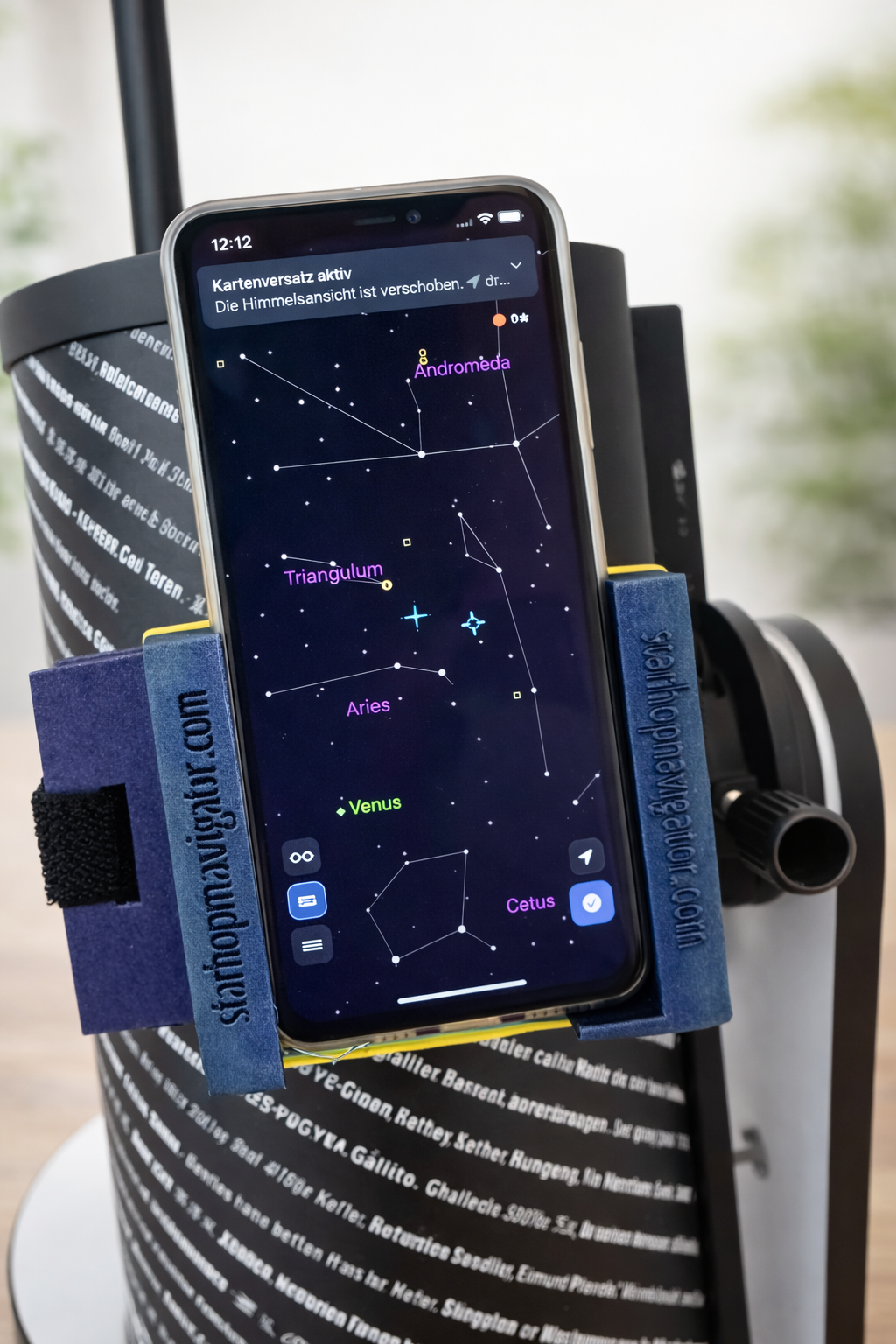
The mount on a tabletop Dobson: the phone sits in the cradle, the clamp bar holds it securely. The app is ready to guide you.
Tip: The guide rail is a tight fit — 3D-printed PLA has tolerances, so the clamp bar may tilt slightly or feel stiff. That's normal. Slide it in and out a few times to wear in the rail. The snug fit is intentional — it keeps the phone secure.
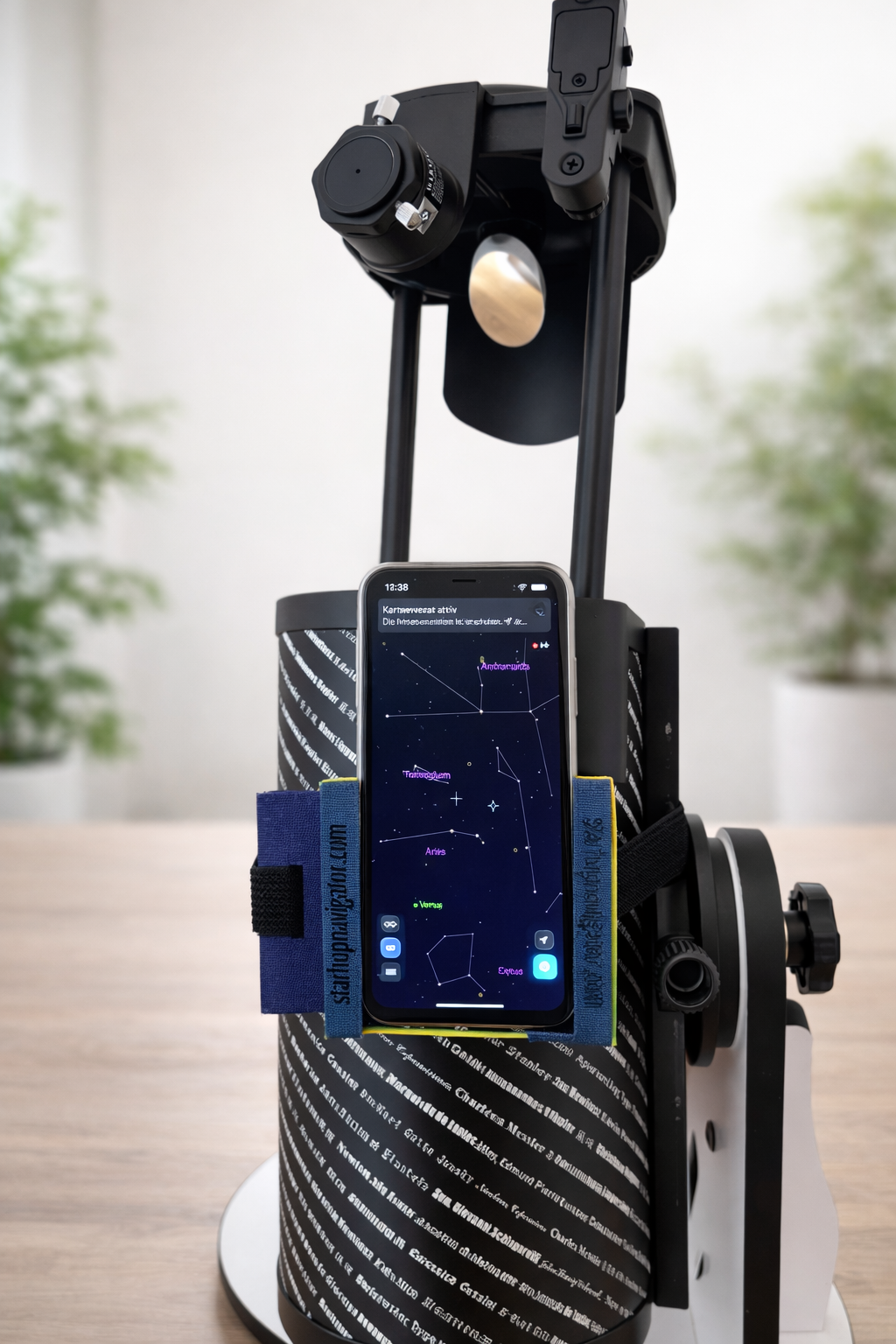
Full view: the mount sits securely on the telescope tube. The strap holds it in place without any adhesive.
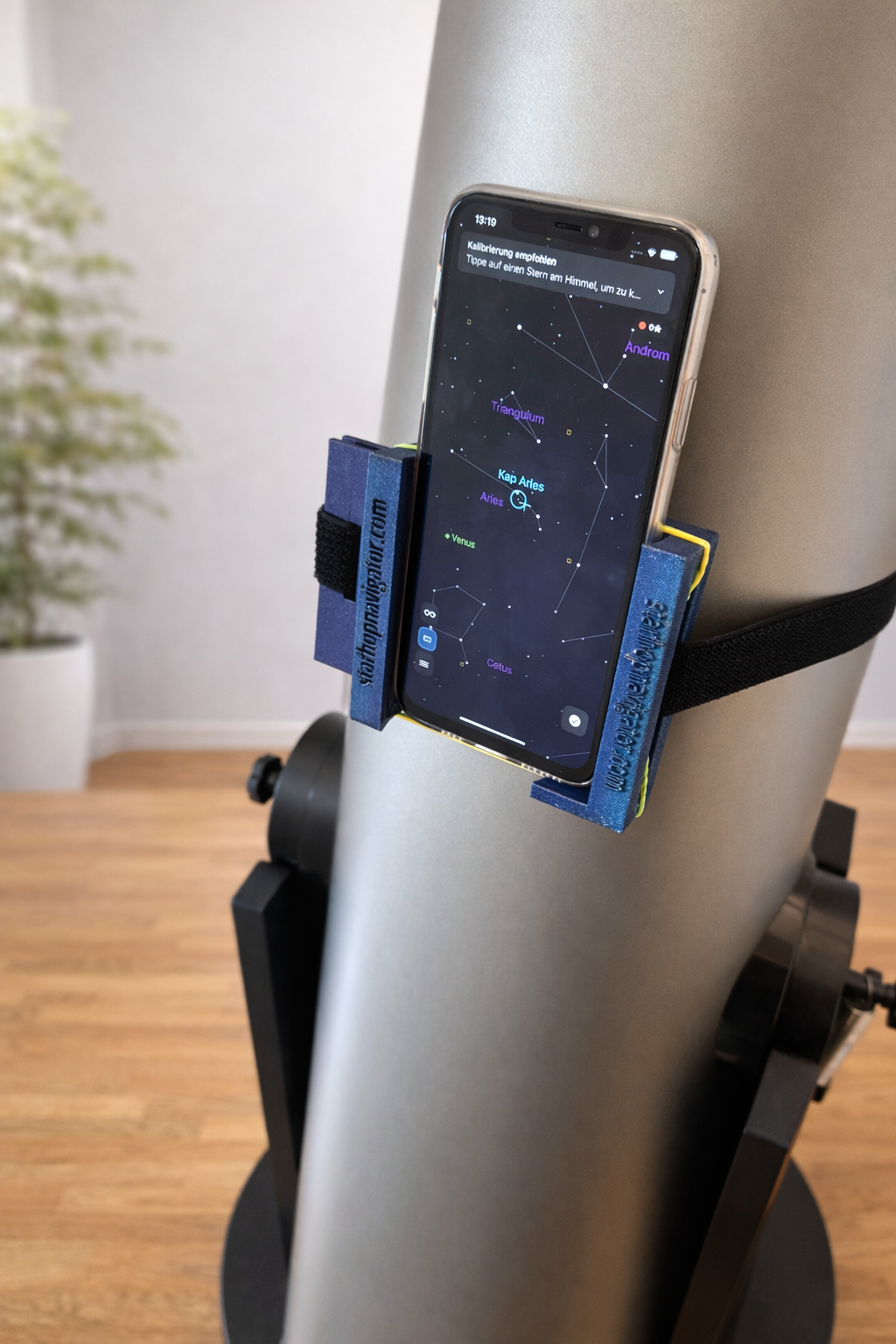
The same mount on a larger Newtonian telescope. The strap adjusts to any tube diameter — one mount fits all.
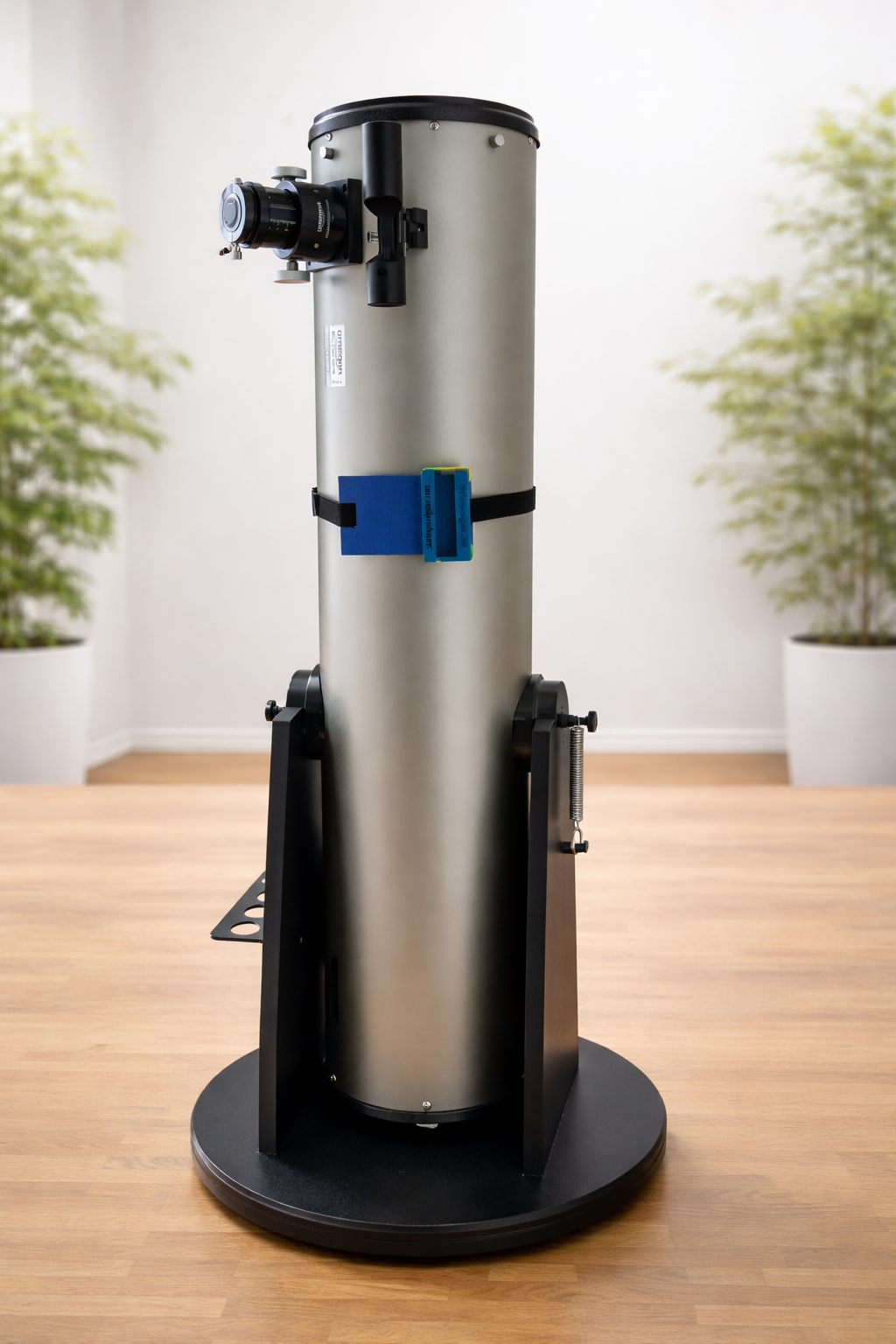
The mount on a larger Dobson — compact and unobtrusive. It stays on the tube between sessions if you like.
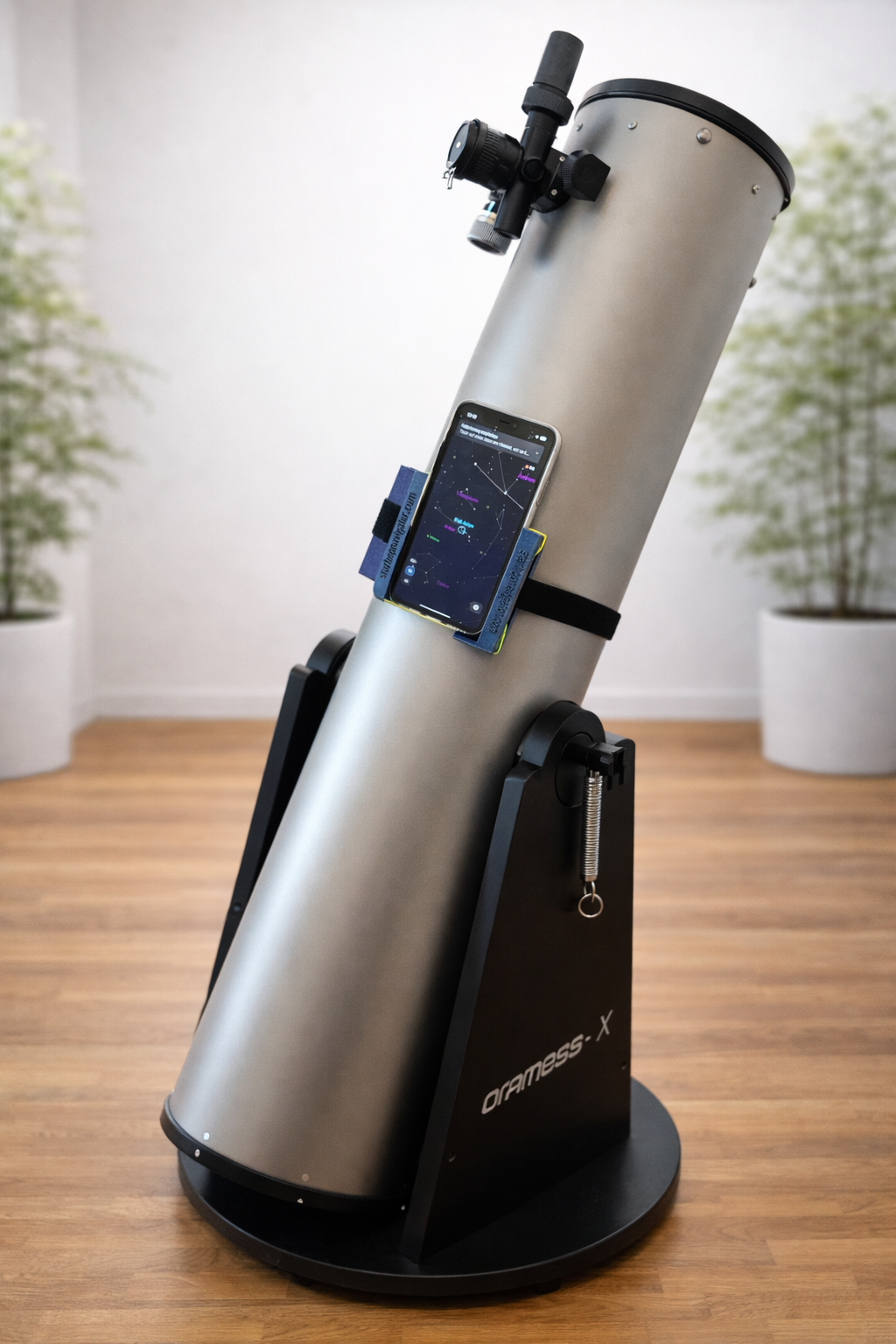
With the phone in place and the telescope tilted — the mount holds securely at any angle. Ready to observe.
Place the parts on the print bed as shown below. Supports are needed for both parts.
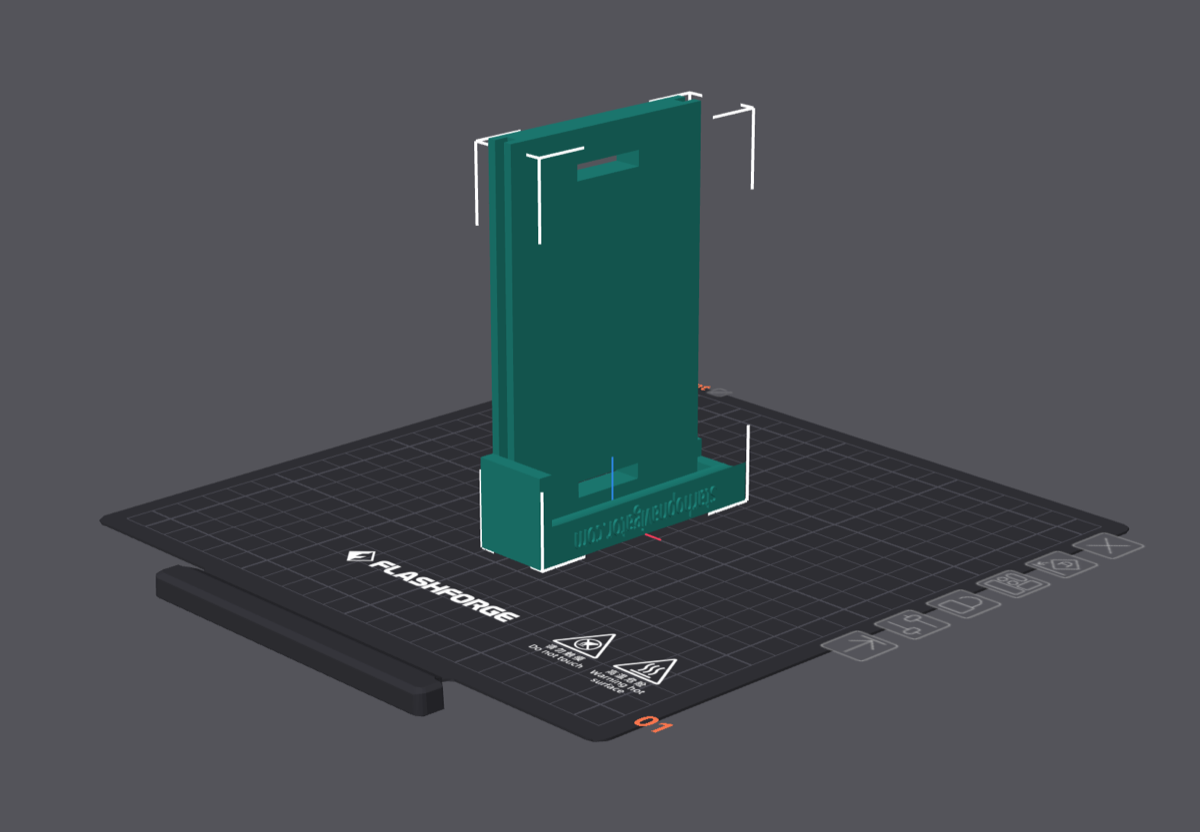
Base plate
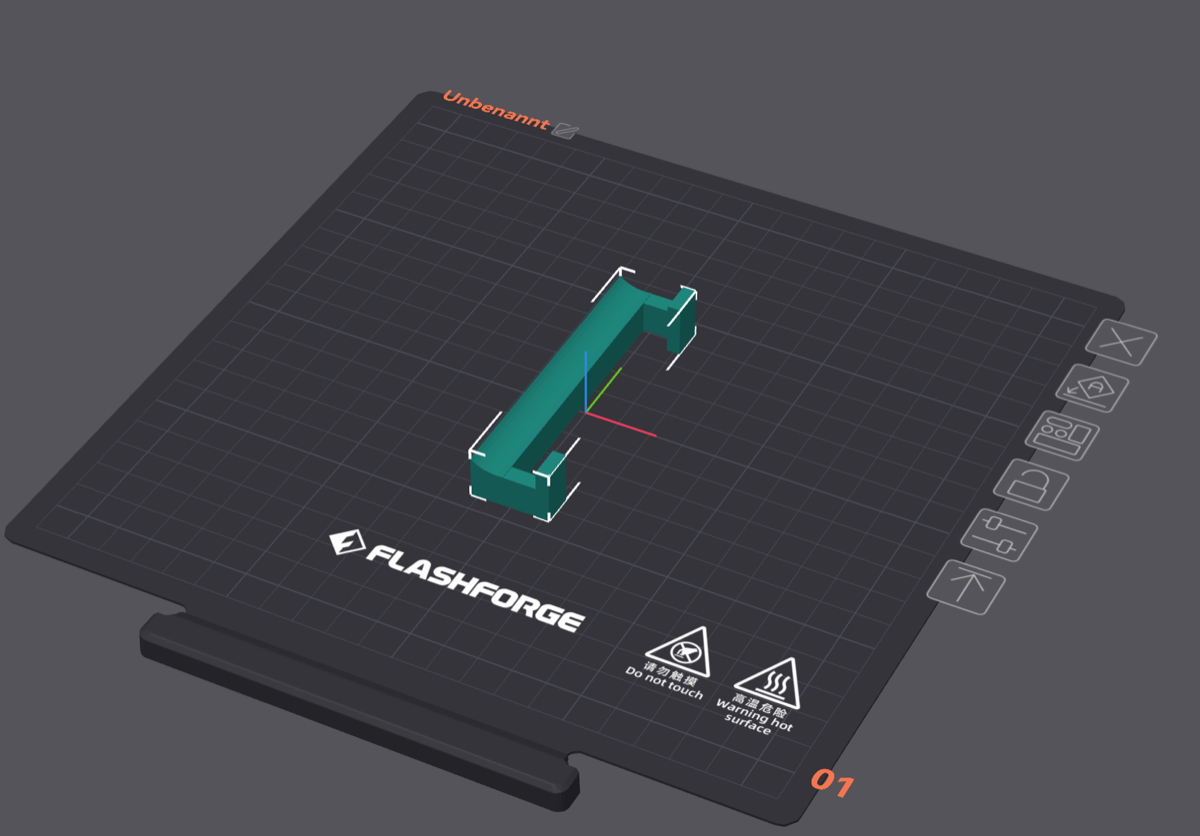
Clamp bar
Reference settings — adjust temperatures to your specific PLA filament (typical range: 190–220 °C nozzle, 50–60 °C bed).
| Layer height | 0.20 mm |
| Nozzle | 0.4 mm |
| Infill | 15% (Grid) |
| Walls | 2 |
| Top / bottom layers | 5 / 3 |
| Supports | Yes (auto) |
| Material | PLA |
Licensed under CC BY 4.0 — StarHop Navigator
The phone must lie flat against the tube. Any wobble reduces calibration accuracy.
Re-attach the phone in the same spot each session. Consistent placement means faster calibration.
Mount your phone, calibrate, and discover the sky.